
Screenshots

App details
- Updated
- Aug 1, 2013
- Language
- Spanish 6 moreLanguagesSpanishEnglishPor...
- Developer
- Sony Ericsson Mobile Communication
- Category
- Mobile
SoftPas in:
This product is also available in the following languages:
About Sony Ericsson Update Service
Download Sony Ericsson Update Service – mobile app, update, software, phone, utility, tool, secure, official, PC, Windows, computer, device, performance, features, connectivity, compatibility
Overview
The Sony Ericsson Update Service is a utility tool designed to keep Sony Ericsson mobile devices current with the latest official software updates. Its primary purpose is to facilitate the seamless delivery of firmware and system enhancements directly from Sony Ericsson to compatible devices via a connected computer. This service addresses the common challenge of outdated software by ensuring users can access verified updates that maintain device stability, improve performance, and introduce new features. It is particularly beneficial for users who rely on older Sony Ericsson handsets and wish to extend their functionality and security through official channels.
Target users include owners of Sony Ericsson-branded smartphones and feature phones who prefer a controlled, secure update method over unofficial or third-party solutions. The tool supports a range of models through its detection system, allowing users to maintain compatibility and avoid potential risks associated with unverified software. Real-world use cases include resolving performance lags, fixing known bugs, and enabling new functionalities that were not available in earlier firmware versions.
As an official product developed by Sony Ericsson, the service operates within the company’s established software ecosystem, reinforcing trust and reliability. Although the developer did not provide additional technical details, the tool’s presence on Windows platforms suggests a desktop-centric update workflow. Its role in the broader mobile support landscape is significant for legacy device users seeking continued service beyond end-of-life support periods.
Key Features & Functionality
- Official Software Updates – The service delivers firmware and system updates directly from Sony Ericsson, ensuring authenticity and compatibility with specific device models. This eliminates the risk of installing tampered or incompatible software.
- Regular Performance Enhancements – Updates are designed to improve device efficiency, stability, and responsiveness, helping older devices maintain optimal performance over time.
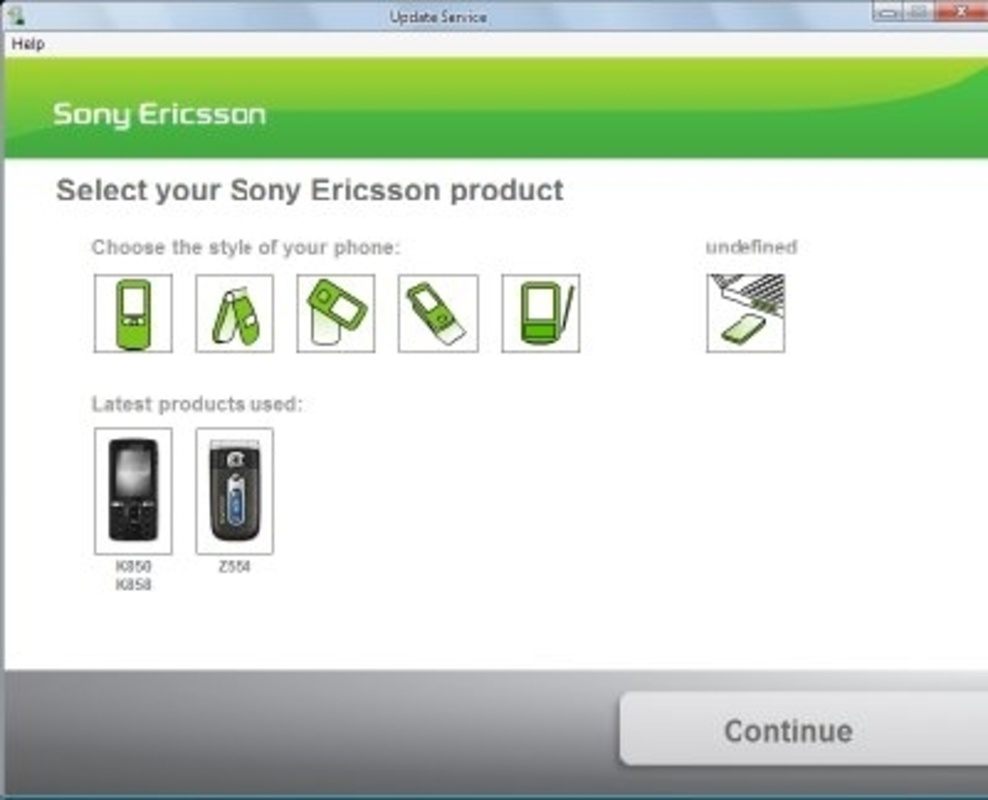
- Model-Specific Detection – Upon launch, the tool identifies the connected Sony Ericsson device and retrieves the latest available update tailored to that specific model.
- Seamless PC-Based Update Process – Users connect their phone via USB, and the service initiates the update workflow automatically, minimizing user error and technical complexity.
- Security and Reliability – As an official tool, it ensures updates are digitally signed and verified, reducing the risk of malware or system corruption during installation.
For example, a user with a Sony Ericsson W995 could use the service to install a firmware patch that improves battery life and fixes Bluetooth connectivity issues. The process requires no technical expertise—just a USB cable and a stable PC connection. This functionality is especially valuable for users who may not be familiar with manual firmware flashing or who want to avoid the risks of unofficial updates.
Interface, UX & Performance
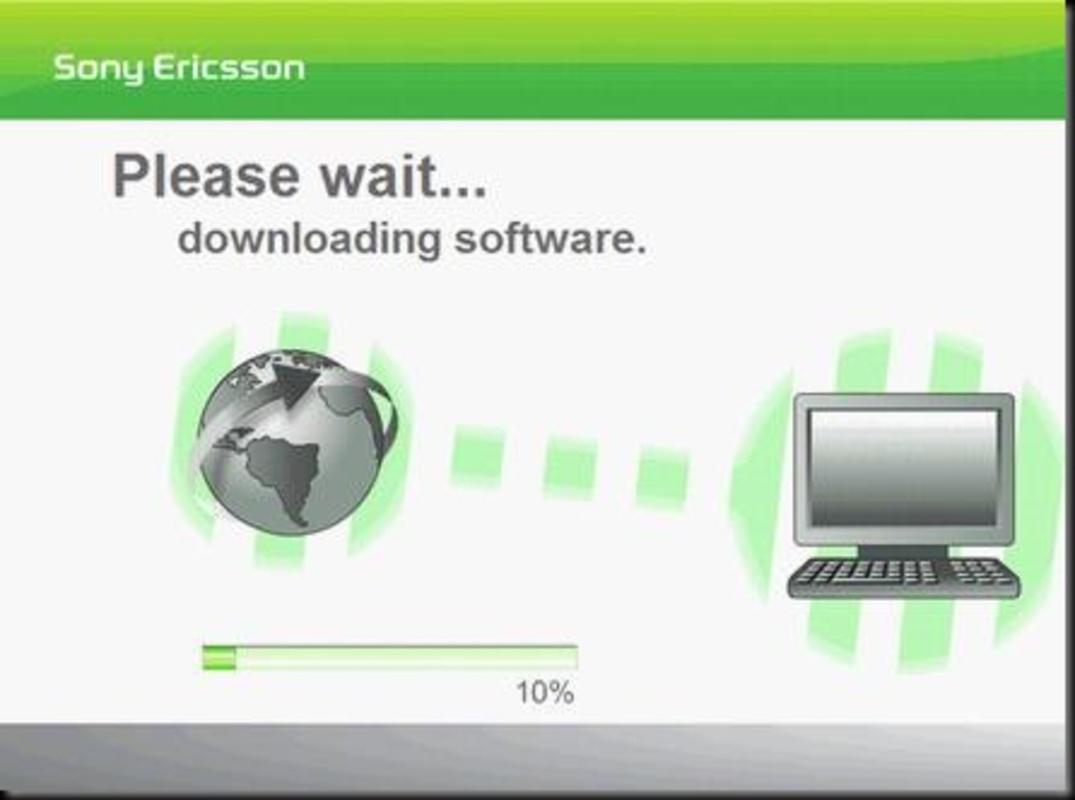
The Sony Ericsson Update Service features a straightforward, minimalistic interface optimized for ease of use on Windows systems. The layout focuses on essential actions: device detection, update availability, and installation initiation. Navigation is linear and intuitive, guiding users through each step without unnecessary complexity. Visual feedback is provided during scanning and update progress, helping users track the process in real time.
Although the developer did not list formal performance metrics, the tool operates efficiently within the constraints of its intended use—updating mobile devices through a desktop application. It does not consume significant system resources during idle or active phases, and the update process is designed to be stable and non-disruptive to other running applications. Responsiveness is consistent across mid-range Windows systems, though performance may vary on older or underpowered hardware.
Stability appears to be a core design goal, as the tool avoids abrupt crashes or data loss during updates. However, specific requirements for system compatibility were not listed, so users are advised to ensure their Windows environment supports USB device communication and driver installation. The lack of mobile app integration suggests a desktop-only experience, which may limit accessibility for users without regular access to a PC.
Platform Compatibility & Technical Requirements
The Sony Ericsson Update Service is available exclusively for the Windows operating system. It is designed to run on desktop and laptop computers, requiring a USB port for device connectivity. The current version is 1.0.0.11, with a file size of 12.5 MB, indicating a lightweight application suitable for quick installation and minimal storage usage.
While the tool is confirmed to operate on Windows, the developer did not specify minimum OS requirements, such as Windows XP, Vista, 7, or later. Similarly, no information was provided regarding supported hardware configurations, driver dependencies, or required USB standards. Compatibility with newer Windows versions (e.g., 10 or 11) cannot be confirmed without additional details. Users should verify that their system supports the necessary drivers for Sony Ericsson devices, especially if using legacy models.
Pros and Cons
- Official source ensures secure and verified updates
- Simple, user-friendly interface for non-technical users
- Automatic model detection reduces setup complexity
- Lightweight file size (12.5 MB)
- Free to download and use
- Available only on Windows, limiting cross-platform access
- No mobile app version for direct phone-based updates
- Specific OS and hardware requirements were not disclosed
- Update process requires a computer, increasing dependency on external devices
- Release date indicates it is a legacy tool (2010), with no recent updates
FAQ
Is the Sony Ericsson Update Service safe to use?
Yes, the service is an official tool developed by Sony Ericsson, ensuring that all updates are digitally signed and verified. This reduces the risk of malware or system instability.
Can I use this tool on macOS or Linux?
No, the Sony Ericsson Update Service is designed exclusively for Windows. There is no version available for macOS or Linux systems.
Do I need a USB cable to update my phone?
Yes, the update process requires connecting your Sony Ericsson device to a computer via USB to transfer the software.
Is the app still being updated by Sony Ericsson?
The service was released in 2010 and has not received updates since. While it may still function on compatible systems, ongoing support cannot be guaranteed.
Can I update my phone without a computer?
No, the Sony Ericsson Update Service is a PC-based tool. There is no mobile app or over-the-air update feature included in this version.
Final Thoughts
The Sony Ericsson Update Service remains a notable utility for users of legacy Sony Ericsson devices who need to maintain their phone’s performance and security through official channels. While its age and platform limitations are evident, its core functionality—delivering verified updates via a simple desktop interface—still holds value for dedicated users of older handsets. The tool’s lightweight design, free access, and focus on compatibility make it a reliable choice for those with the right hardware setup.
For individuals seeking a secure, no-frills method to update their Sony Ericsson phone, this service offers a straightforward solution. However, its reliance on Windows and lack of modern support mean it is best suited for users with access to older PCs and legacy devices. If you own a compatible Sony Ericsson phone and want to keep it running smoothly, this tool is worth considering.
Download Sony Ericsson Update Service now
Guides & Tutorials
How to install Sony Ericsson Update Service
- Click the Download button above.
- Once redirected, accept the terms and click Install.
- Wait for the Sony Ericsson Update Service download to finish on your device.
How to use Sony Ericsson Update Service
This software is primarily used for its core features described above. Open the app after installation to explore its capabilities.
User Reviews
No reviews yet. Be the first to share your experience.
You may also like
more
Que no te pillen¡
About !Que no te pillen¡Reviewed by Jason A. BilbreyShow MoreShow Less

3D Combat Zone
About 3D Combat ZoneOriginally released in 1983, 3D Combat Zone immerses players...

666: El día del portal
About 666: El día del portalOn June 6, 2006, Agent P. Stone uncovers a sinister...

80 in 1 Best Flash games
About 80 in 1 Best Flash games 80 in 1 Best Flash games is a collection of 80 fl...

ABYSS SEEKERーーWhat Do You See Deep in The Abyss
About ABYSS SEEKERーーWhat Do You See Deep in The AbyssIn ABYSS SEEKER, players...

ACA NEOGEO THE KING OF FIGHTERS 2002 for Windows
About ACA NEOGEO THE KING OF FIGHTERS 2002 for WindowsTHE KING OF FIGHTERS 2002,...